Responsive remote control
View screens, control keyboard and mouse, work across monitors and reconnect safely when networks change.
Fast, fluid and dependableSecure remote access built for fast support, clear permissions and dependable collaboration—without making customers feel out of control.
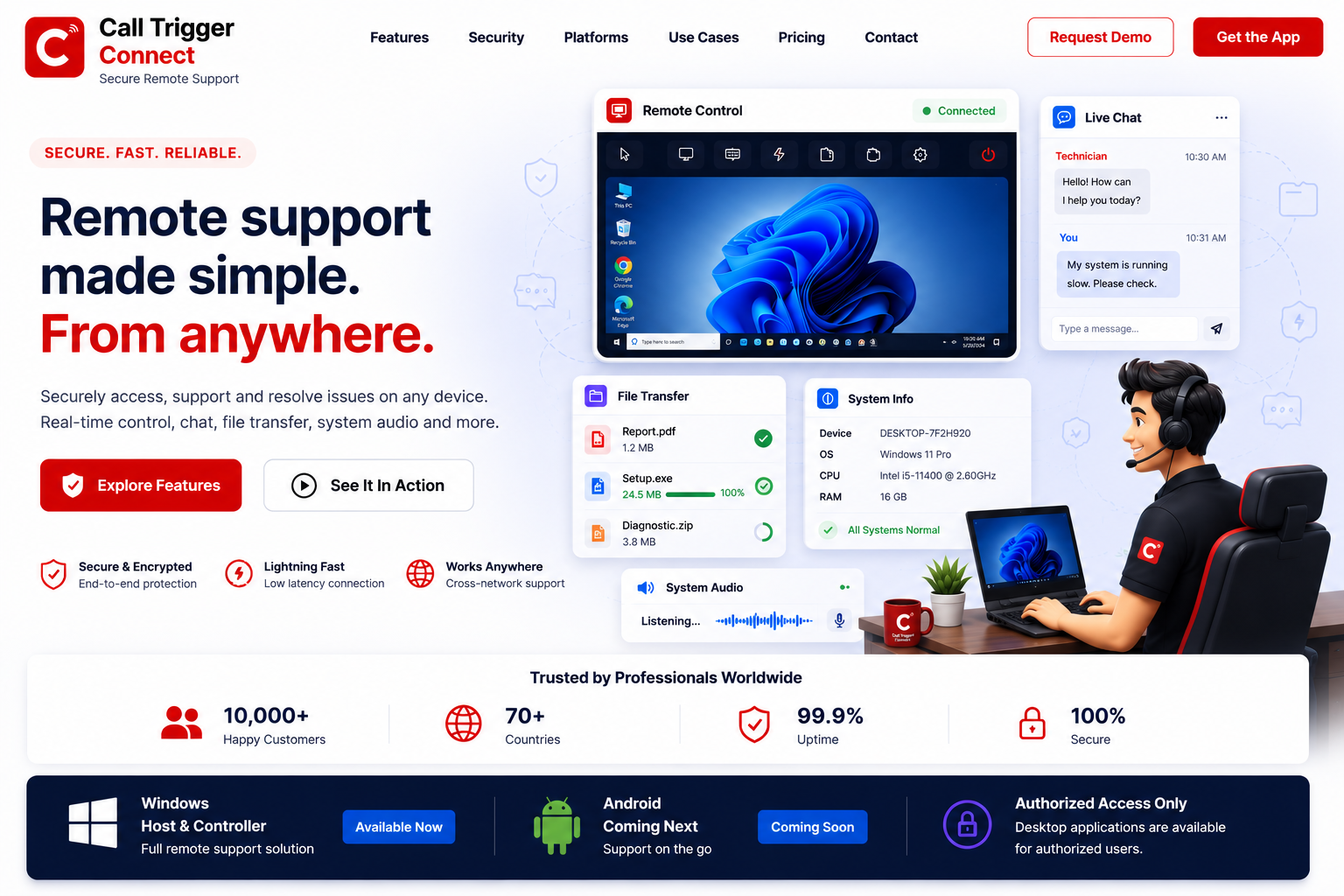
From everyday troubleshooting to complete assisted sessions, ConnectLite keeps essential tools in one focused workspace.
View screens, control keyboard and mouse, work across monitors and reconnect safely when networks change.
Fast, fluid and dependableCapture screenshots, record sessions and manage multi-monitor workflows with clarity.
Move files and clipboard content securely during an approved support session.
Use two-way voice and system audio to explain, demonstrate and resolve issues faster.
Bring camera, chat and guided assistance into the same customer-friendly experience.
Use black-screen privacy, permission controls and emergency disconnect safeguards when required.
No complicated setup for the person receiving help. ConnectLite keeps the connection process clear and controlled.
Get ConnectLite →The customer launches the Host application and enters an authorised licence.
A fresh access code and Remote ID allow the technician to request a connection.
The customer approves the incoming request and retains emergency-disconnect control.
ConnectLite combines licensed access, authenticated relay connections, local approval, visible permissions, session records and safety controls.
Choose the application for this computer. Windows v0.53.9.
Only start sessions with people and organisations you trust. Every incoming request requires local approval.
Search setup, security, privacy and troubleshooting guides, or start a conversation with our team.
Loading help articles…